
GetHookd AI Video Scripts: Turning Ad Hooks Into New Angles
Every video ad earns or loses attention in its first few seconds, which is why so many marketing teams spend more time on hooks than on anything else in the script. The trouble is that a fresh hook is hard to invent on demand. Most strong ones come from watching what already works, then finding a new way to say it. GetHookd is built around that habit, pairing a large ad library with tools that turn what you find into usable scripts.
This review looks at the platform through the lens of its AI video scripts: how they are produced, what they cost in credits, and which kinds of teams are likely to benefit. It also covers the practical details worth knowing before signing up, such as plan limits and refund terms, so you can judge the fit with clear expectations.
Why Hooks Are the Starting Point for Better Ads
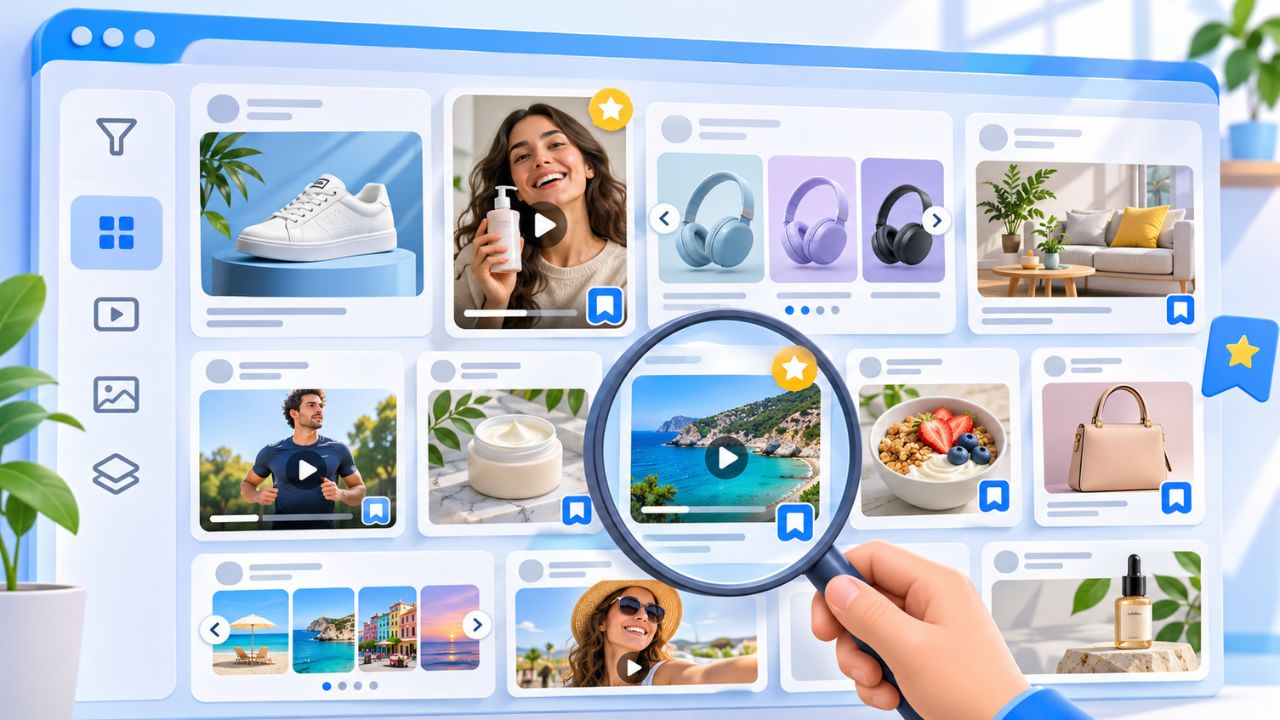
Ad research and ad production usually live in separate tools, and the handoff between them is where good ideas get lost. Someone saves a promising competitor ad in one place, writes a brief in another, and sends a script to an editor through a third. GetHookd tries to close that gap by keeping the whole path in one platform. Its Explore Ads library holds over 22 million ads that can be filtered by performance, format, and run time, so a marketer can go from spotting a long-running ad to drafting a script without switching products. That continuity is the main reason the video script feature makes sense in context.
Starting From Proven Ads Instead of a Blank Page
The Video Scripts tool takes a winning ad plus your own product details and produces a new AI-written script. Each script costs 5 credits. The approach rests on a simple idea: an ad that has run for a long time probably contains a hook, a pacing pattern, and a promise worth learning from. Rather than copying that ad, the script adapts its structure to your product, which gives you a new angle on a format that has already proven itself in the market.
Ads Transcription supports this step by turning video ads into copy, hooks, and calls to action for 1 credit. Reading an ad as text makes its structure easier to see, so you can tell exactly where the hook ends and the pitch begins.
Saved ads add a useful safety net. Ads you save stay available after they go offline, so a reference does not vanish before you get around to writing from it.
Brand Spy rounds out the research side by showing a competitor's ads, landing pages, traffic sources, and launch frequency. It costs 8 credits per brand. Launch frequency is an interesting signal for scriptwriters, because a brand that keeps launching new variations is clearly testing angles worth studying.
How the Script Workflow Works From Transcript to Draft
The workflow is easy to describe and quick to learn. You find an ad in the library, save it, transcribe it if it is a video, and then hand it to the script tool along with details about your product. The output is a draft you can edit, shoot, or pass to an AI avatar. Because each step has a stated credit cost, you can estimate what a batch of scripts will take before you begin. A transcription at 1 credit plus a script at 5 credits comes to 6 credits per ad you want to learn from.
Where Cloning and UGC Fit In
The same winning ad can lead in more than one direction. Clone Ads produces new static variations for 5 credits, which suits teams that want a still version of a concept beside the video. The platform also includes an AI UGC video generator in which AI avatars act out scripts, plus over 100 static ad templates that can be customized in Canva. In practice, one researched ad can turn into a script, a static variation, and a UGC-style video without leaving the platform.
Teams that like to see the pieces laid out may find this summary helpful:
- Ads Transcription: 1 credit, converts a video ad into copy, hooks, and CTAs.
- Video Scripts: 5 credits, builds a script from a winning ad and your product details.
- Clone Ads: 5 credits, creates new static variations of a winning ad.
- Brand Spy: 8 credits per brand, shows ads, landing pages, traffic sources, and launch frequency.
For people who want to access this data from an AI assistant, GetHookd also offers an official MCP server for Claude Desktop, Claude Code, and Cursor, as well as API access. Setup involves an API token and a config file edit, so it suits users who are comfortable with a little configuration. The core scripting workflow, by contrast, works entirely inside the app.
What the Credit System Means for Everyday Use
Credits are the currency that ties every feature together, and the plan you choose mainly determines how many you get. Starter costs $29 per month, or $19 per month billed yearly, with 50 credits and 1 seat. Pro costs 32 yearly) for 150 credits and 3 seats. Team costs 52 yearly) for 400 credits and 5 seats, and it is marked as the most popular option. Agency costs 83 yearly) for 800 credits and 10 seats. Every plan card lists the same core features, including Explore Ads, Save Ads, Brand Spy, Ads Transcription, Video Scripts, and Clone Ads, so the choice comes down to volume and seats rather than to which tools you can use.
Planning Your Monthly Credits
A little arithmetic shows what each tier can support. If you follow the transcribe-then-script routine at 6 credits per ad, Starter covers roughly eight such pairs a month and Pro covers about 25. Team stretches to around 66, and Agency to about 133. A solo founder testing a handful of angles will likely find Starter or Pro comfortable, while a small media buying team producing new creative every week will want the headroom of Team.
A few plan details are worth knowing in advance:
- Unused credits do not roll over, so the monthly allowance is best treated as a budget to spend.
- API and MCP access is included on all annual plans and on Team and Agency monthly plans, but not on Starter or Pro monthly.
- Extra seats cost more, and the price is not published.
- Credit packs are available at any time if a busy month runs past the allowance.
Beyond the numbers, the structure is easy to reason about. Every feature has a visible credit cost, and plans differ by credits, seats, and API and MCP access, not by hidden feature gates. That makes it simple to compare tiers and to move up when volume grows.
Risk is kept low through the trial and cancellation terms. All plans include a 7-day free trial, and you can cancel at any time with access continuing to the end of the billing period. You can also pause a subscription for up to 3 months. Refund windows on monthly plans are short, with a full refund within 24 hours of the first charge when the platform has not been used, and a 50% goodwill refund between 24 and 48 hours. Annual plans are non-refundable, so starting with the trial or a monthly plan is a sensible way to test the workflow first.
Who Gets the Most Out of GetHookd
The platform is aimed at ecommerce brands, marketers, and agencies, and its design reflects that mix. A single operator can use Starter to research a niche and draft scripts, while an agency can spread the work across the 10 seats on the Agency plan. Teams that test new creative every week stand to gain the most, because the research-to-script loop is where the platform saves time. Support is available through live chat inside the app and by email at [email protected], and teams can ask about onboarding sessions.
Help articles cover the MCP setup at https://gethookdai.crisp.help/en/article/mcp-1nys0t1/ and credit usage at https://gethookdai.crisp.help/en/article/credits-system-explained-1mak7qc/.
Where It Fits Best, and What to Check First
GetHookd is strongest as a research-first tool that also produces creative, so it suits people who want both in one place. It is less of a fit for teams who only need a design editor or full campaign management. A few details deserve a quick check before you commit, such as which ad platforms the library covers for your needs, since the site describes coverage in slightly different ways across its pages. Confirming those points during the free trial costs nothing and keeps expectations realistic.
A Practical Way to Keep Creative Fresh
GetHookd's video scripts work best as a bridge between what is already winning and what you can make next, with clear credit costs and a research library behind every draft. For marketers who want to turn proven hooks into new angles without juggling several tools, a 7-day trial is an easy way to see how the workflow fits your own ads.